Skip to content
Overlap for Religion

One service a week, and forty short-form posts.

A campaign that works the sermons, classes and talks you already record and posts them to accounts your congregation owns — billed on the views they deliver.

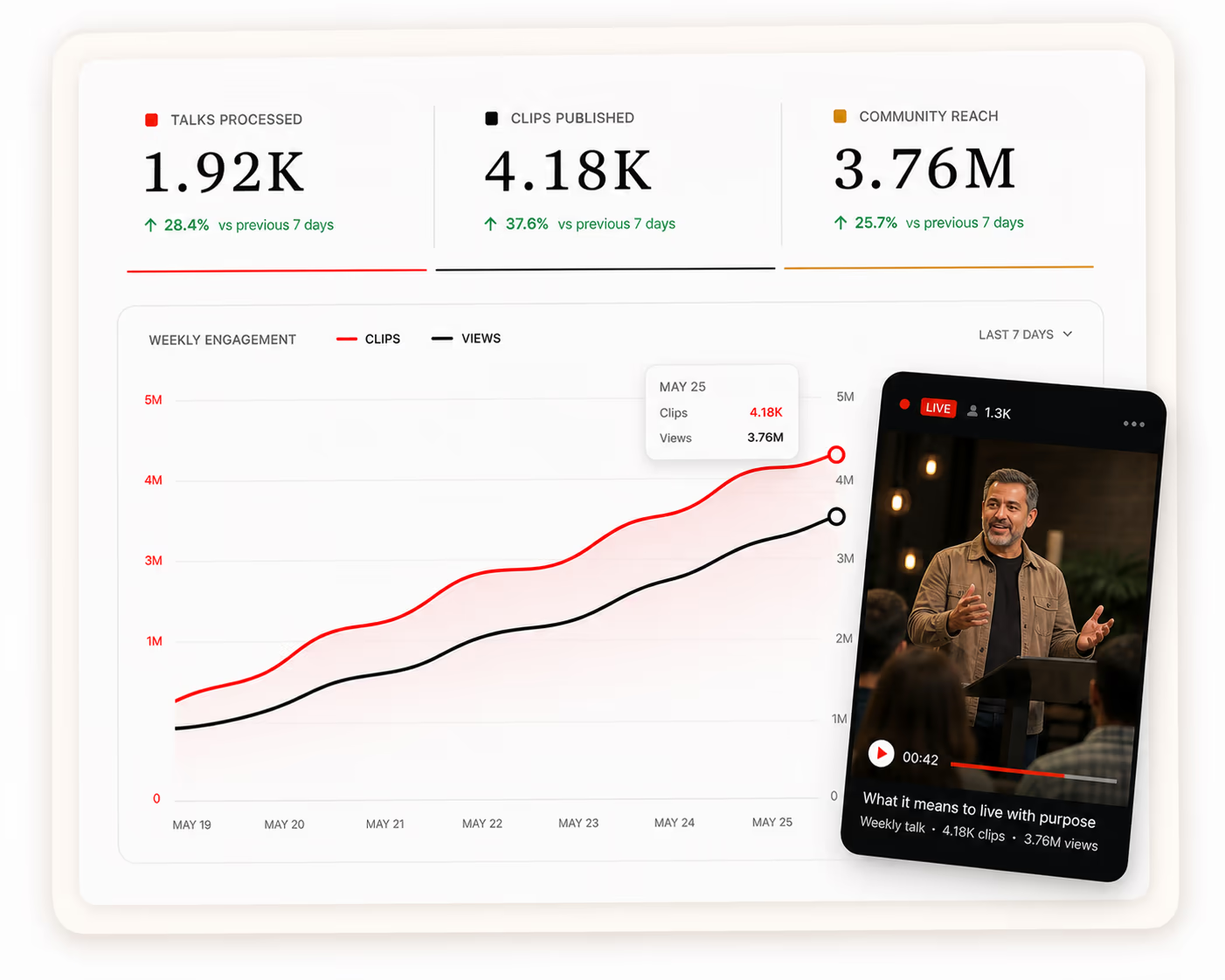
    Campaign dashboard for a congregation — talks processed, clips published and community reach over a weekly engagement chart, with a clip of a talk beside it
    How It Runs

    Three inputs, then it runs.

    Connect the accounts, say how the congregation should be represented, and set the monthly ceiling. Cutting, captioning, publishing and reporting happen from there.

    Step 01

    Link your accounts

    Connect the accounts the campaign publishes to across the nine platforms we support — TikTok, Instagram, YouTube, X, LinkedIn, Facebook, Threads, Snapchat and Bluesky. A youth or outreach account can run its own line beside the main one.

    Connected accounts
    • TikTok@yourbrandConnected
    • Instagram@yourbrandConnected
    • YouTube@yourbrandConnected
    + Add another account
    Step 02

    Set the house style

    Choose the look, the caption voice, which account posts where, and what a clip may never do — a name, a pastoral moment, a service or a speaker that stays off short-form. Anything outside the rules is held for review.

    Brand kit
    youtube.com/@yourbrandScan
    • Palette
    • Caption voiceDirect, no emoji
    • LogoBottom-left, every clip
    • Needs reviewAnything off-brief
    Step 03

    Define a budget

    Set the monthly ceiling and agree the CPM. Spend follows delivered views and never runs beyond the limit you chose.

    Monthly plan
    Ceiling$25,000CPM$1.50
    • Views delivered12,160,000
    • Spend$18,240
    Budget used73%
    Retained Value

    The reach stays with the congregation

    An ad stops the day the budget stops. An account does not: the handle, the followers and every clip stay with the congregation — so somebody who finds a two-minute answer in March can be invited to the High Holidays, or to Easter, from the same account.

    Side by side
    How much gets cutEvery service, every week · OverlapWhat there is time for between them · In-house
    Where it runsAccounts the congregation owns · OverlapAccounts the congregation owns · In-house
    What it costsViews delivered, up to your ceiling · OverlapHours donated, week after week · In-house
    Cost of reach$0.50–$2.50 CPM · OverlapHard to plan for · In-house
    When somebody is awayThe campaign keeps posting · OverlapThe week goes quiet · In-house

    Yours to gather with

    An owned audience is people you can invite to the next service, class or holiday — not reach rented for a single post.

    Yours to point anywhere

    A livestream, a sign-up, a volunteer rota, a giving page. The channel is the congregation’s to aim.

    Yours to keep reaching

    Someone who follows after one talk sees the next one. Every month compounds instead of restarting at zero.

    Yours to run either way

    Keep running with us, hand the accounts to your media team, or leave them live. The login goes with the congregation.

    The Economics

    You are not buying hours. You are buying reach.

    An agency invoices the work — hours booked, clips shipped, watched or not. We price the result: a ceiling, a rate per thousand views, and nothing charged for reach that never landed.

    Spend = delivered views ÷ 1,000 × agreed CPM

    Campaign Planner

    What your budget actually buys

    Views at that budget16.7MAt $1.50 CPM
    Estimated CPC$0.8330K estimated website visits

    A planning illustration: 6% of delivered views reach the profile, 3% of those continue to your site. Your ceiling and CPM are agreed with our team.

    Questions congregations ask

    The recordings you already make — the service, the sermon, a class, a guest talk. Nothing has to be filmed again, and a congregation that has been livestreaming for years has a great deal worth clipping.

    You set a monthly ceiling and agree a CPM between $0.50 and $2.50. Spend follows the views actually delivered and stops at the ceiling — there are no production fees, no minimum deliverables and nothing charged for reach that did not land.

    Yes. Guidelines set what may be posted and where, and anything outside them is held rather than published. A congregation that wants to see everything before it goes out can run the campaign that way.

    Only from the recordings you hand us. Guidelines can rule out a service, a speaker, a segment or the congregation entirely, so a clip can be kept to whoever is on the platform.

    From the platforms’ own analytics on posts published to your accounts, which you can see for yourself in the same dashboards. Every view is organic — nothing is boosted or bought — and a clip that was never posted is never billed.

    You do, and nothing is switched off. The handles, the followers and every clip published to them stay with the congregation, the posts are not taken down when billing stops, and the accounts are never repurposed for anyone else.