








Skip to content
The Overlap difference

Clips on autopilot. Pay for the views.

Overlap automates the entire path from long-form video to published short-form. Instead of paying for seats, clips, or editing hours, you pay on a CPM basis for the views your content delivers.

One aligned system

Production and payment, connected.

Detect
Find
Style
Publish
Learn
Outcome-based pricing

CPM

Pay for delivered views — not software seats or editing hours.

Nothing posted means nothing billed.

Powering the future of digital media

iHeartRadioa16zThe Breakfast ClubY CombinatorAlmost FridayDirty Mo MediaVezcos MediaBrandliveThe VolumeYMH StudiosARNYahooWestwood One
A better operating model

The work runs itself. The bill follows performance.

Most tools sell access to another editor. Overlap gives you an automated content engine, then ties payment to the reach it produces.

01 / Automation

From new upload to live post, without the handoffs.

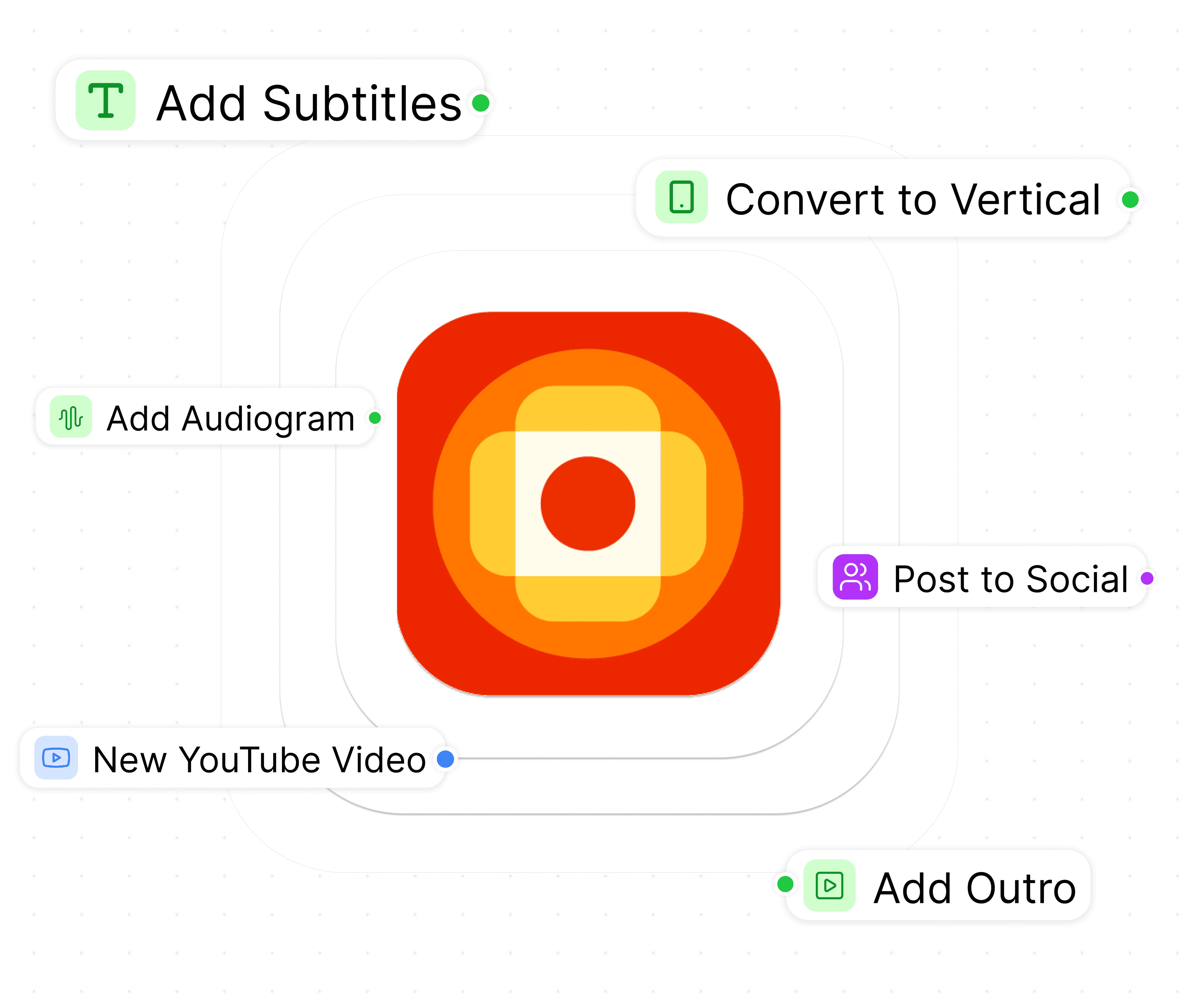
Connect the channels and folders you already use. Overlap detects new videos, finds the right moments, applies your brand, routes approvals, and publishes on schedule.

01New upload
02Find moments
03Apply brand
04Approve or auto-post
One workflow, end to end

02 / CPM payment

Spend follows delivered reach — not production volume.

Your rate is agreed up front. The meter runs on views reported for posts your agents publish, so making more clips never creates a separate seat, export, or editing-hour charge.

871.4Kdelivered views
÷ 1,000CPM units
× rateagreed up front

No delivered views → no CPM charge

Automation, with your judgment built in

Set the system once. Keep control where it matters.

Your prompts, brand rules, approval paths, and performance signals become one repeatable workflow for every show and channel.

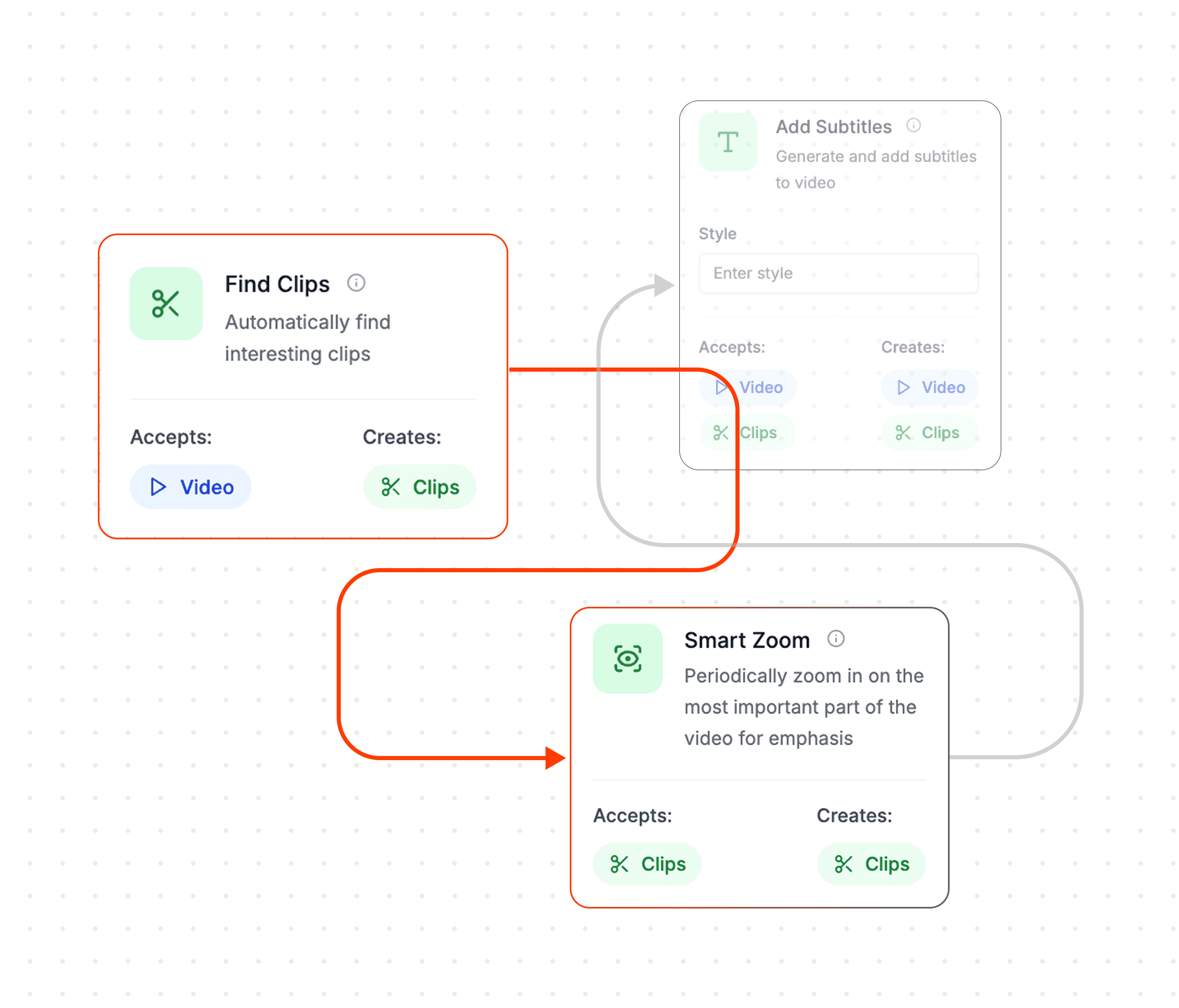
A workflow canvas with a Find Clips node wired into Add Subtitles and Smart Zoom
Direct the creative

Tell the agent what a great clip looks like.

Use natural-language prompts and precise controls to teach Overlap which moments matter, how long they should run, and what your audience expects.

  • Find the moments you care about instead of accepting generic highlights.
  • Control clip length, framing, captions, and visual style.
  • Save the recipe so every new upload starts with the same standards.
01 / 03
An automated clip workflow
Remove the handoffs

Let one workflow carry the episode to every feed.

Triggers start when new content lands. Agents find, edit, format, route, and publish clips without a producer moving files from tool to tool.

  • Detect new episodes automatically from the sources you connect.
  • Keep a human approval step or let proven workflows publish on their own.
  • Send finished content to every connected social account on schedule.
02 / 03
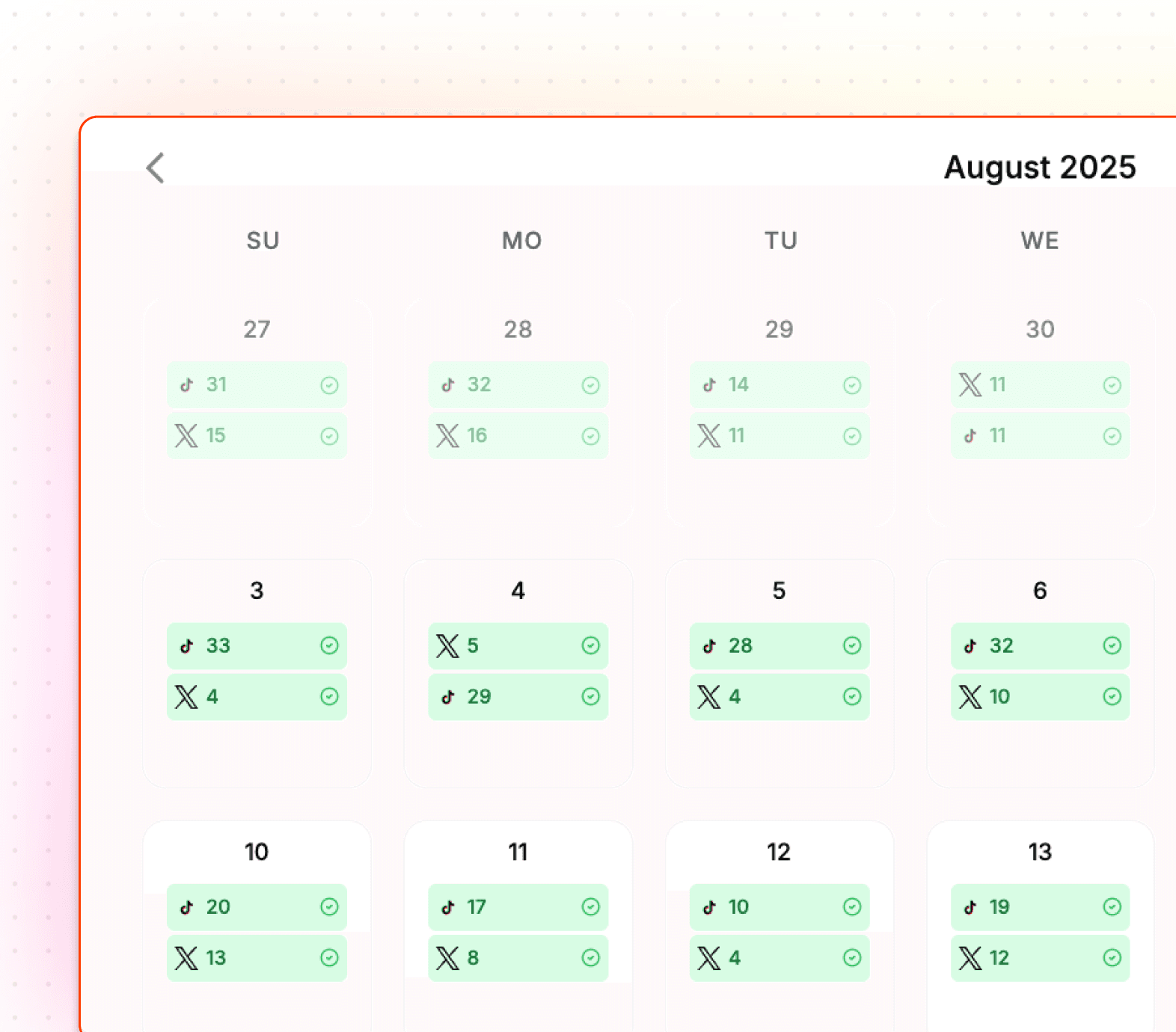
The content calendar
Scale the outcome

Run more shows and accounts without multiplying overhead.

Manage brands, teams, calendars, and performance in one place. Because production is automated and payment is CPM-based, output can grow without a matching stack of seats and editing hours.

  • Organize multiple brands, shows, and social accounts in one workspace.
  • Give teammates clear review and approval paths.
  • Use performance feedback to make more of what audiences watch.
03 / 03
Proof in the feed

Automation matters when it creates reach.

Teams use Overlap to remove the production bottleneck and turn more of their existing content into measurable audience growth.

  • Since partnering with Overlap, we’ve seen brands hit +18,000% month-over-month growth in views. That’s real momentum driven by smart tech and even smarter collaboration.
    Anthony Molaee

    Anthony Molaee

    SVP of Marketing, iHeartMedia

  • Overlap is the world's best clipping tool for any video creators. The clips it makes are uncanny — just the coherent two minutes that make sense standalone and that truly matter.
    Garry Tan

    Garry Tan

    CEO of Y Combinator

  • It’s probably one of the best tools I’ve used. If your team is trying to save money and time creating content, this is it.
    Eric Siu

    Eric Siu

    Marketing Influencer, CEO of Single Grain

  • What if you could skip the noise and get only the insightful moments? That’s what Overlap does.
    Shane Parrish

    Shane Parrish

    Author, CEO of Farnam Street Media

Side by side

Not another tool in the production chain.

Traditional clipping software helps with one task and charges for access. Overlap runs the full system and aligns the bill with delivered reach.

With typical clipping tools

  • Pay for seats, credits, exports, or production time
  • Upload and restart the process for every episode
  • Generic highlight detection with limited context
  • Repeat brand setup and styling by hand
  • Move files between editing, review, and scheduling tools
  • Read analytics after the work is already done
  • Add process and overhead as output grows

With Overlap

Full system
  • CPM-based payment tied to delivered views
  • Automatic triggers when new content arrives
  • Multimodal AI that understands video context
  • Brand rules and custom prompts applied every time
  • Approvals, scheduling, and social publishing in one workflow
  • Performance feedback that improves what runs next
  • Multiple brands, shows, teams, and accounts in one workspace

Questions about automation and CPM pricing

CPM means cost per thousand views. Your rate is agreed up front, and billing follows the views reported for posts your Overlap agents publish rather than the number of seats, clips, or editing hours you use.

Nothing posted means nothing billed. A clip that stays in review or never delivers a view does not create a CPM charge.

Overlap can detect new source videos, find moments, apply editing and brand rules, route clips for approval, schedule posts, publish them, and feed performance back into the next run.

Yes. Keep a human approval step wherever you want one, edit or reject any clip, and let established workflows publish automatically only when your team is ready.

Yes. Your team controls the connected accounts, the approval rules, the published posts, and the content library throughout the workflow.